
What is Oxevision?
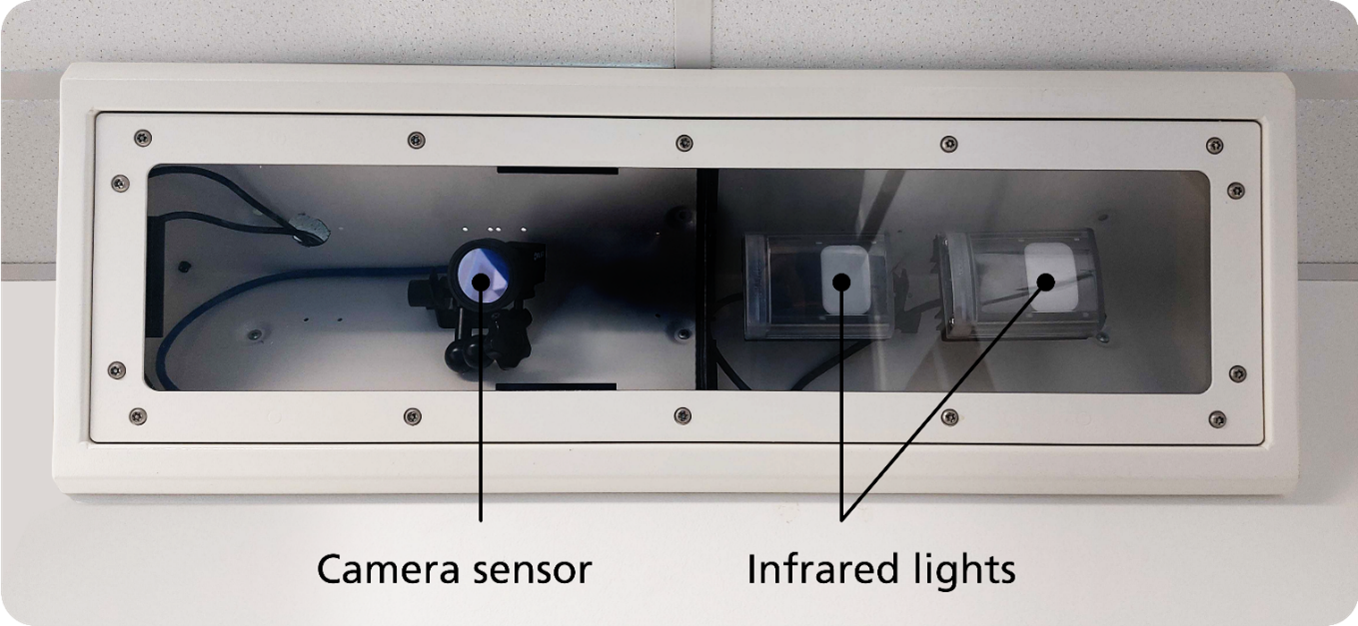
Oxevision is a camera that helps staff to keep you safe and well.
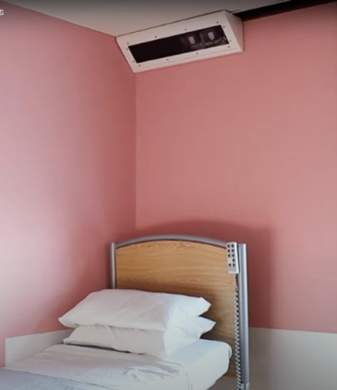
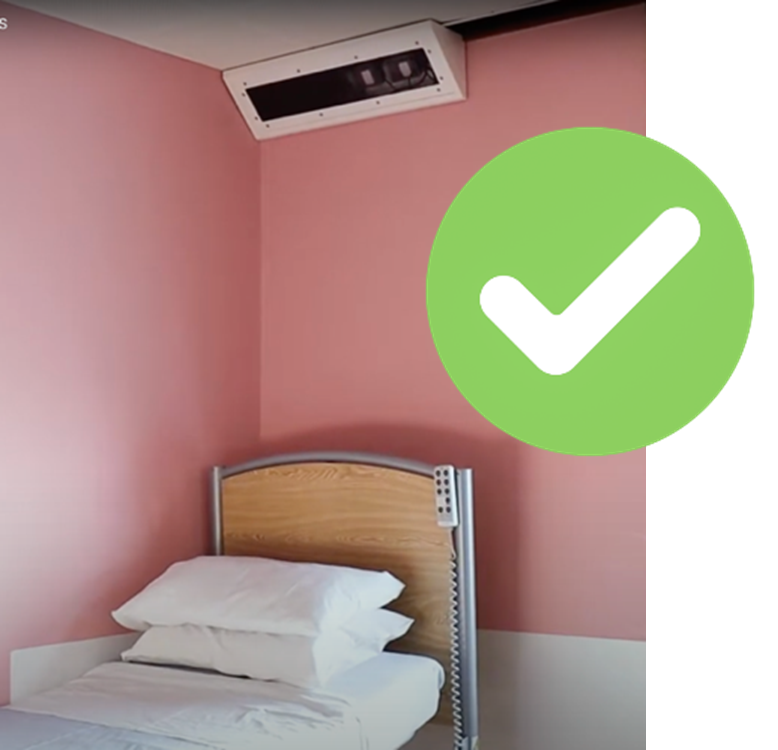
There is a camera in a box above your bed. It has a red light that can see in the dark.
This is called an infrared light. It lets staff check if you are well or not.
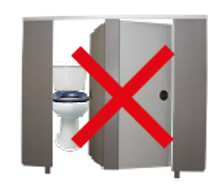
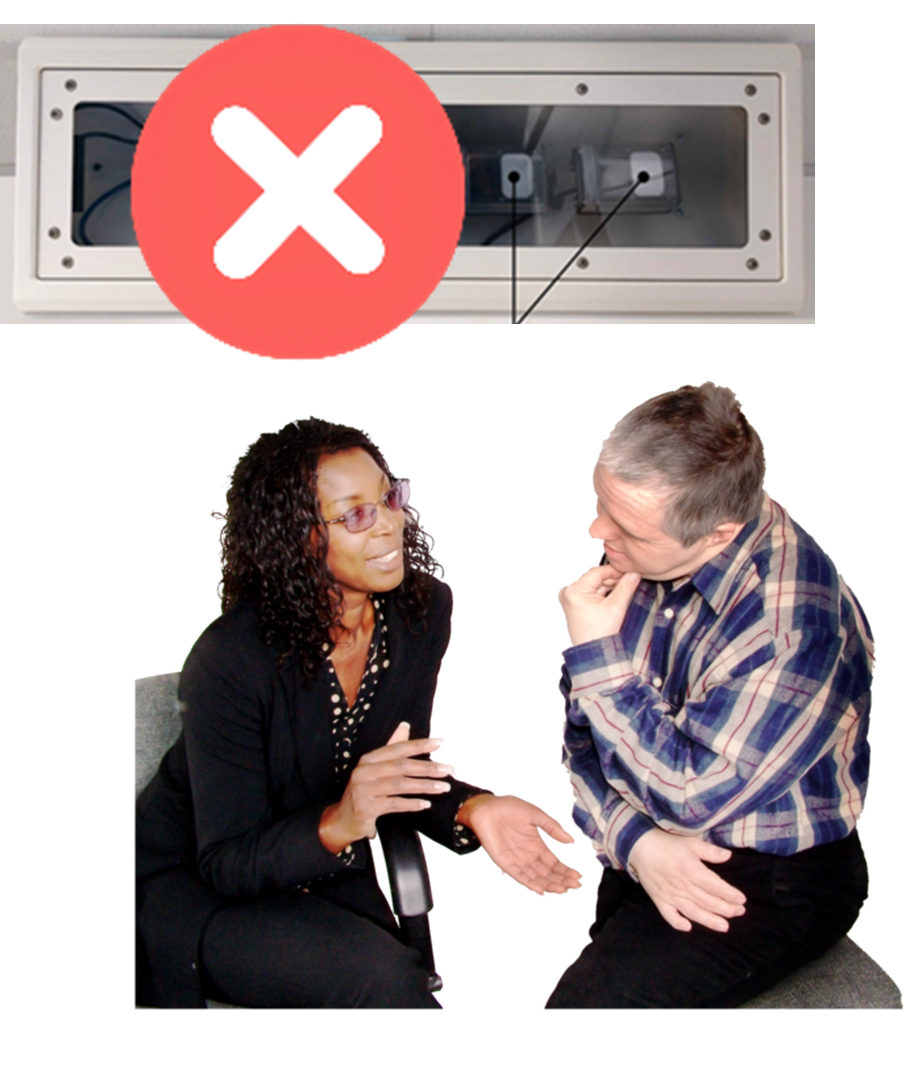
The camera cannot see into the toilet.
It does not record any sound.
How does Oxevision help me?
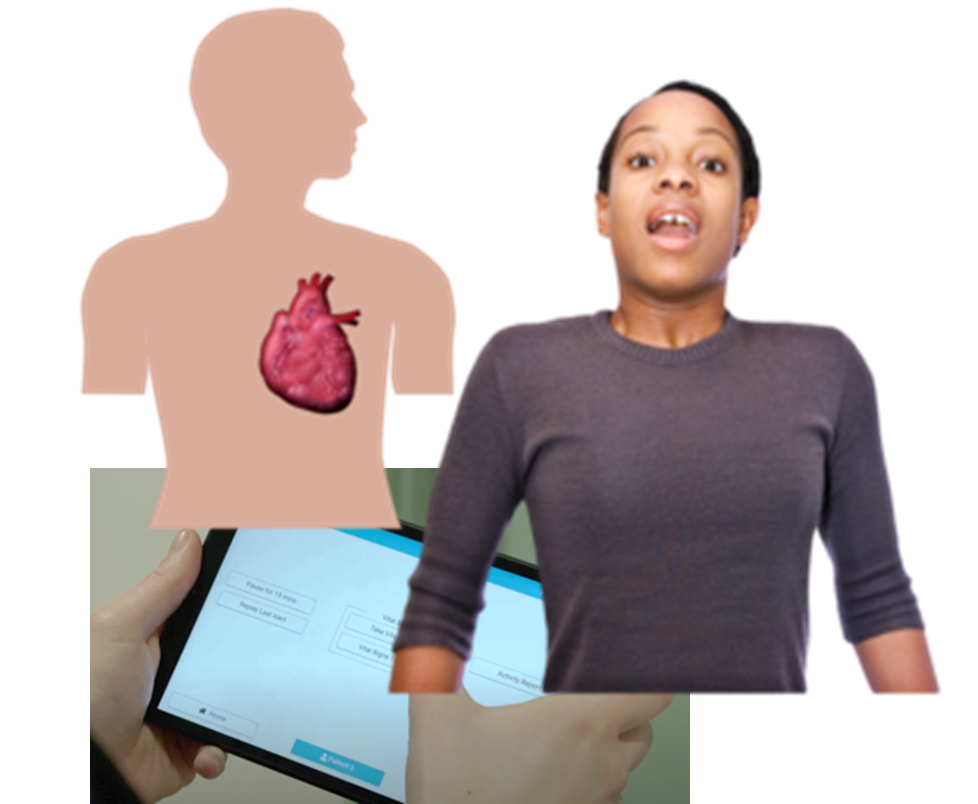
Check your physical health
Staff can use Oxevision to check:
- you are breathing normally
- or if your heart is beating too fast
Check movement in your room
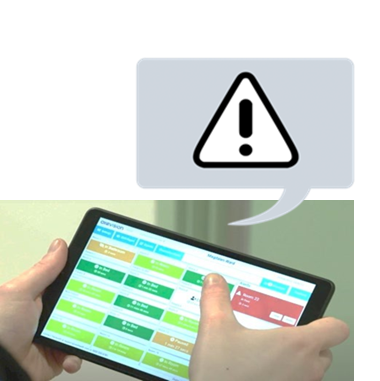
Oxevision will send alerts to a staff computer if there are unexpected movements in your room.
Staff will check to see if you need help.
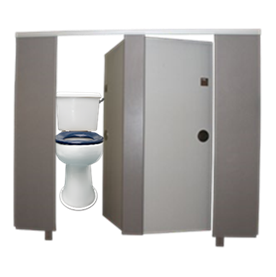
Reasons for an alert could be:
- if you have been in the toilet for a long time and not come out
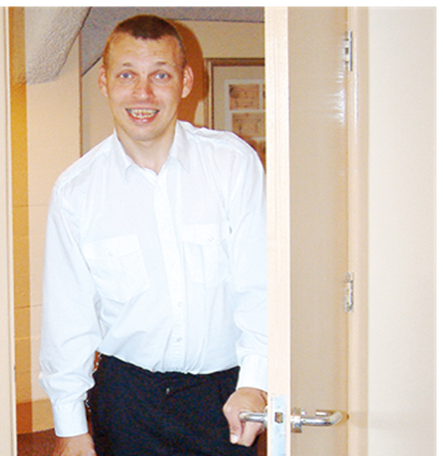
- if somebody comes into your room
- if you leave your room
How do staff use Oxevision?
Getting alerts
Staff get alerts on their screen.
They hear the word ‘alert’ and can see which room it comes from.
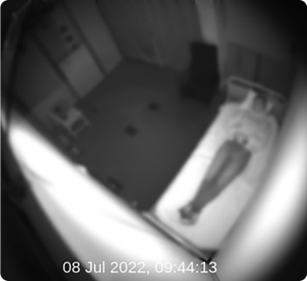
When staff get an alert they can see into your room on their screen for 15 seconds.
The film they see is blurred to protect your privacy.
Staff will come and give you support if you need it.
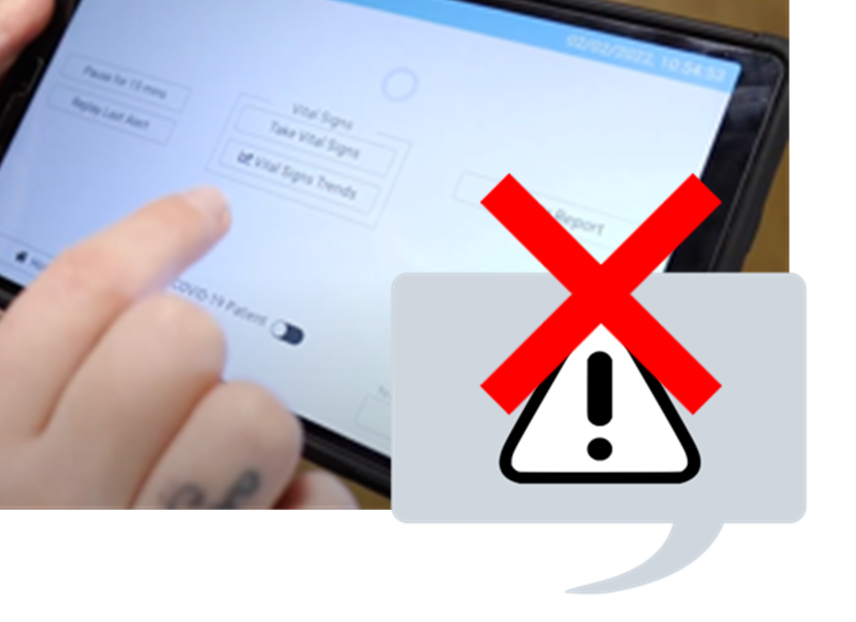
Carrying out observations
Staff do not get alerts about your pulse and breathing.
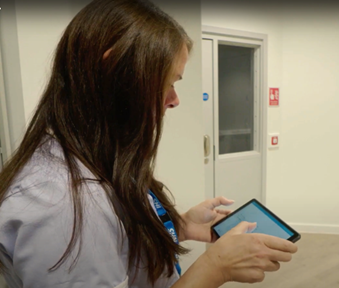
Staff only check your pulse and breathing at certain times of the day and night.
They do this on their screen
This is called an observation.
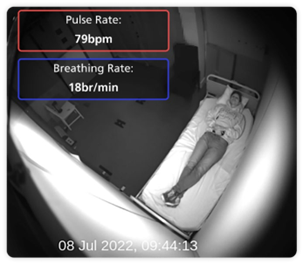
During the observation staff can only see you for up to 15 seconds.
The image during an observation is not blurred.
If staff are worried, they will come and check that you are safe and well.
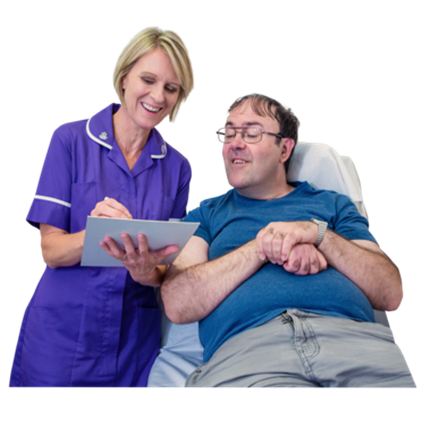
Oxevision helps staff support you
Oxevision helps staff care
for you.
It does not replace staff.
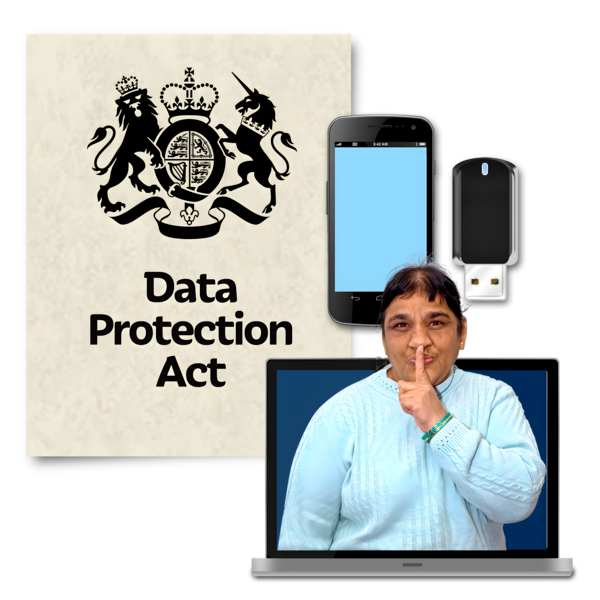
How we protect your privacy
There are special laws and rules that tell us how we must keep your information safe.
This includes how we can use, delete and share your information.
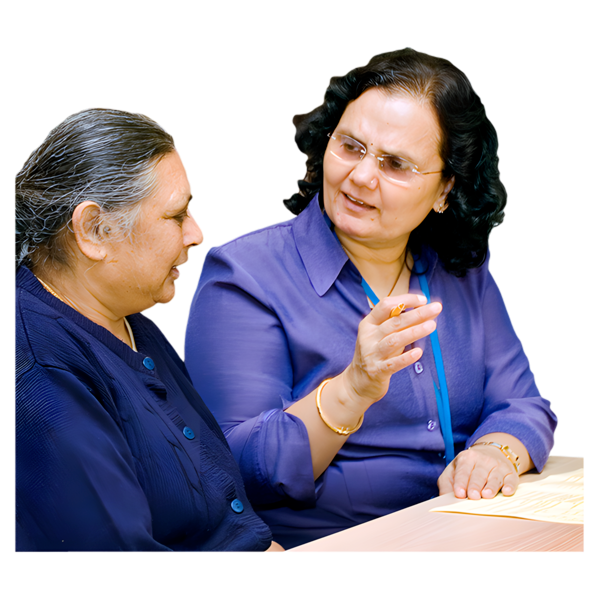
You can ask your nurse or ward manager any questions.
They will explain everything to you.
Can Oxevision be turned off?
You can ask to turn off Oxevision.
Your doctor and staff team will check if it is safe to do this.
If you leave the ward overnight and the system is off, it will be turned on while you are away.
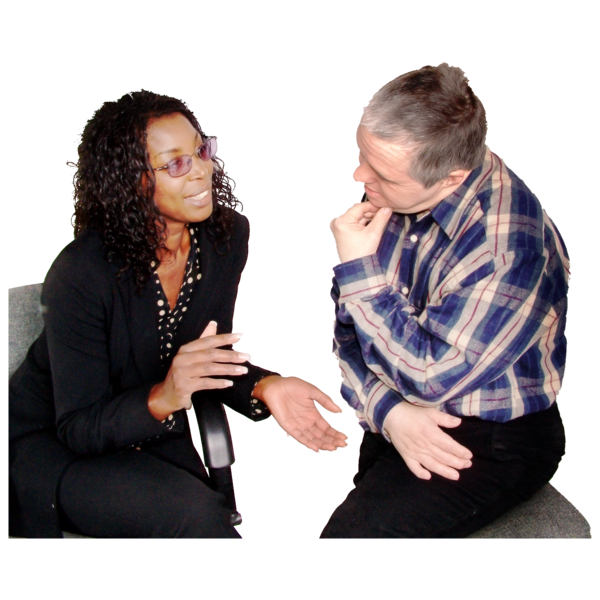
When you return, staff will talk to you about turning it back off, if that’s how it was before.
This will only happen if it is safe to do so.
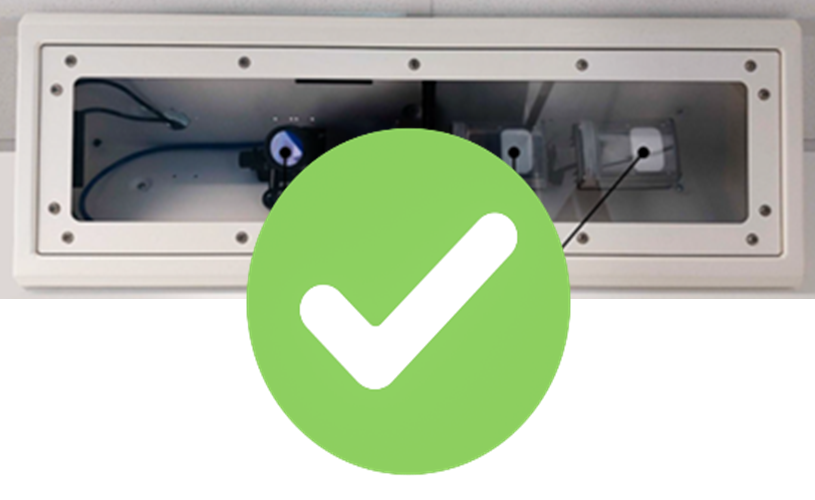
Oxevision must be switched on if you are in seclusion, or under section 136.
This is to keep you safe.
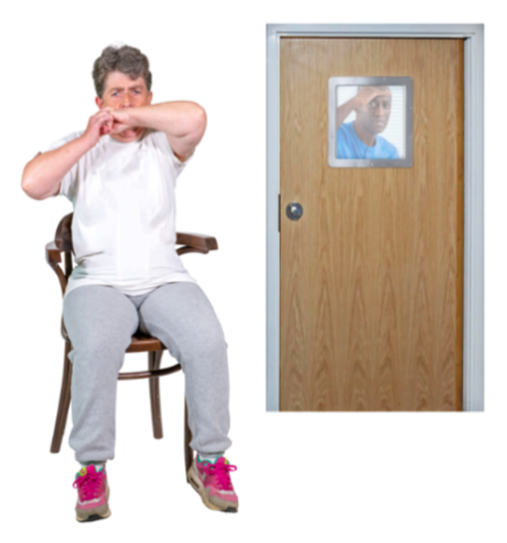
Seclusion is when you are in a room away from other people to keep you or others safe.

Seclusion is when you are in a room away from other people to keep you or others safe.
Watch the Oxevision film
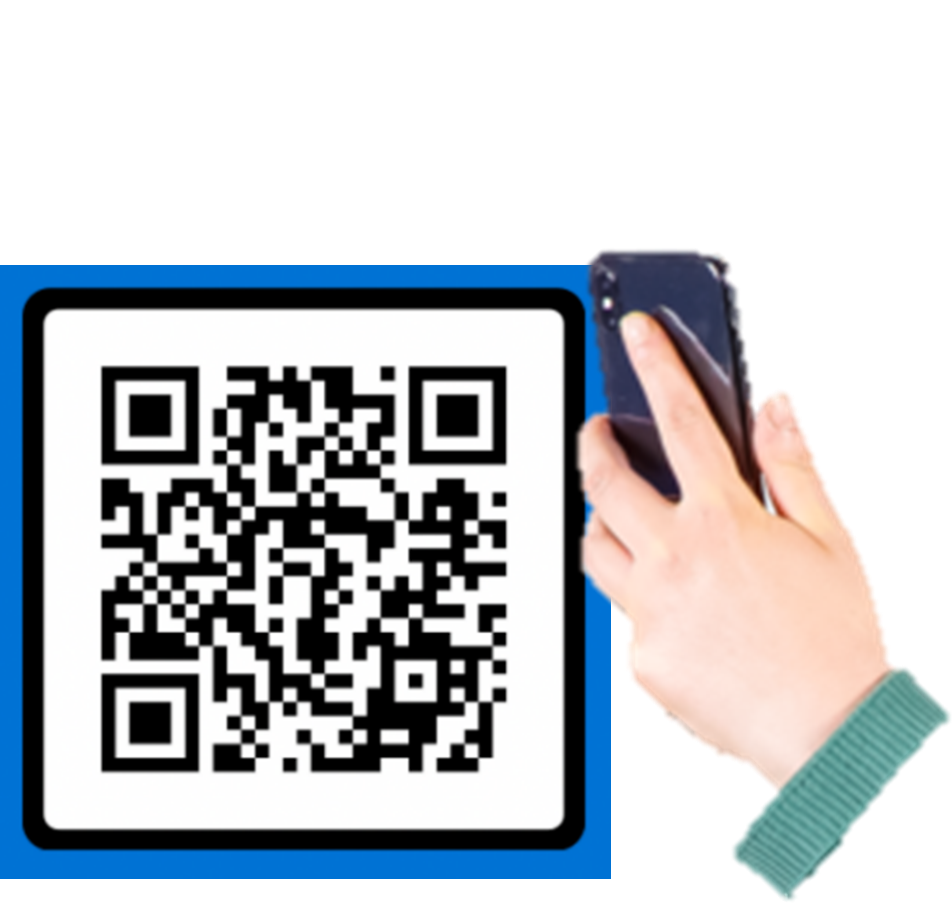
You can watch a film about Oxevision.
Point your phone camera or tablet camera at this square, called a QR code.
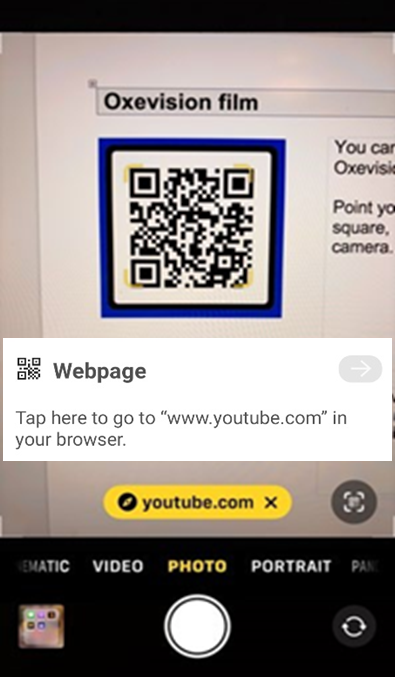
Tap the link to youtube.com
that will come up on your screen.
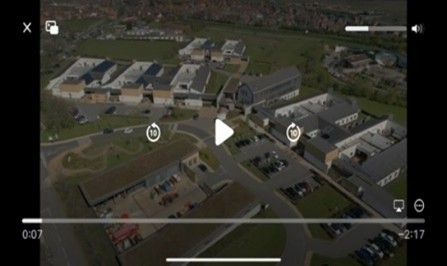
This will take you to the film.
You can also type this link into a browser to watch the film: http://tinyurl.com/mfk9cbaw
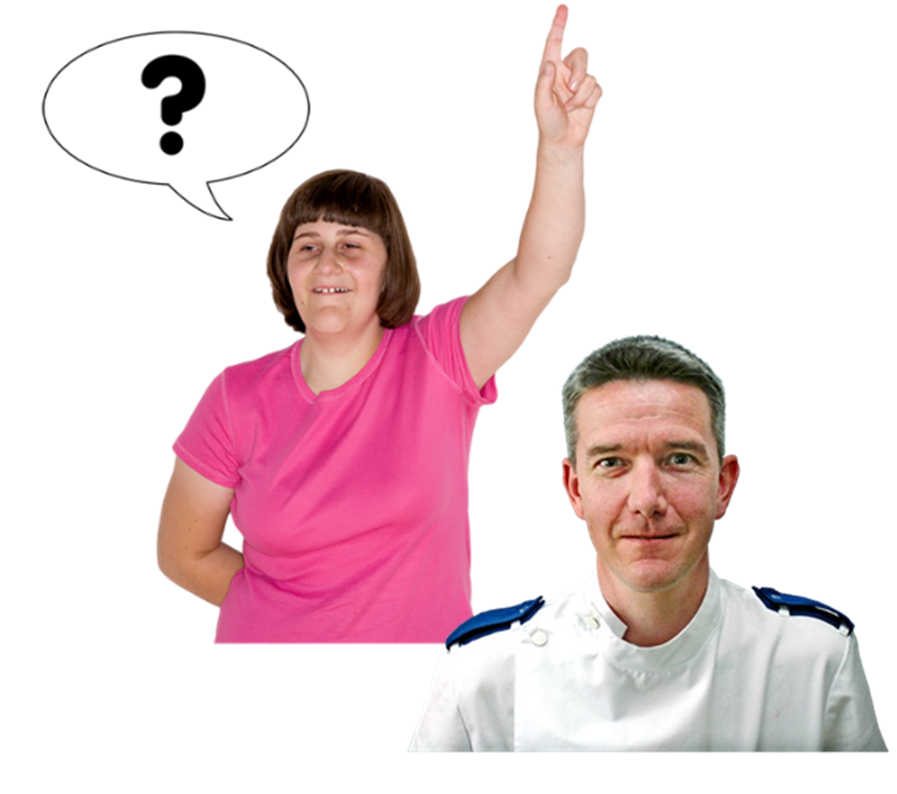
What if I have questions?
Always talk to your named nurse if you need more information.
They are here to help you understand what is happening.

Problems, complaints or suggestions
Cumbria, Northumberland, Tyne and Wear NHS
Foundation Trust has a complaints policy.
We will give you a leaflet about how to make a
complaint.
If you think that we could improve our service, then please let a nurse know your idea.

Further information about the content, reference sources or production of this leaflet can be obtained from the Patient Information Centre. If you would like to tell us what you think about this leaflet please get in touch.
This information can be made available in a range of formats on request (Braille, audio, larger print, BSL or other languages). Please contact the Patient Information Centre on 0191 246 7288.
Published by the Patient Information Centre
2025 Copyright: Cumbria, Northumberland, Tyne and Wear NHS Foundation Trust
Ref: PIC/901/0725 July 2025 V2
Website: www.cntw.nhs.uk
Telephone: 0191 246 7288
Review date July 2026
Find us on social media, search for CNTW